Is your browser in the wrong language, or you wish to change to to another language you prefer instead? This guide will show you how to change the language in Google Chrome (also works on other Chromium based browsers, e.g. Microsoft Edge or Brave)
Changing the language on Chrome
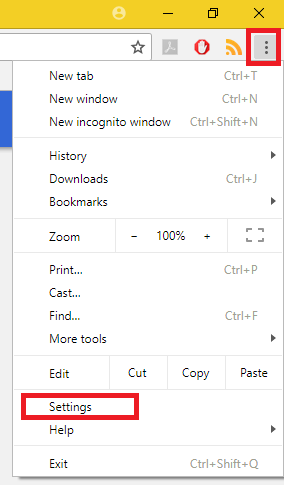
- Click on the three dots in the upper-right corner. Click on Settings
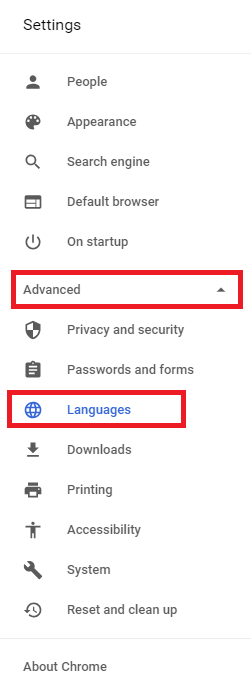
- Click Languages
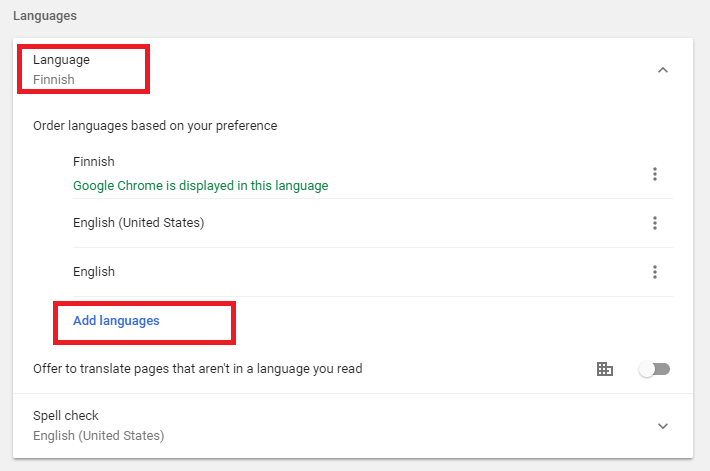
- Click on Languages and then Add languages. Search for the desired language and it will be added to the list of languages.
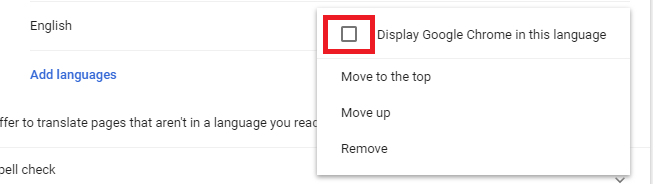
- When the language is on the list, click on the three dots and tick the box. You need the restart Chrome for the changes to take effect.