Before you can get a university user account, you must verify your identity. After your identity has been verified, you can activate your university user account and start using the university’s digital services.
Go to suomi.fi. Depending on your device and screen size, you may see either an Identification button or a menu in the top-right corner. Click Identification. If you only see the menu, open it and select the first option, Identification.
1. If you do not have a Finnish personal identity code:
Choose Identification methods for foreigners (see image below), you’ll find this option below the Finnish identification methods provided by banks operating in Finland.
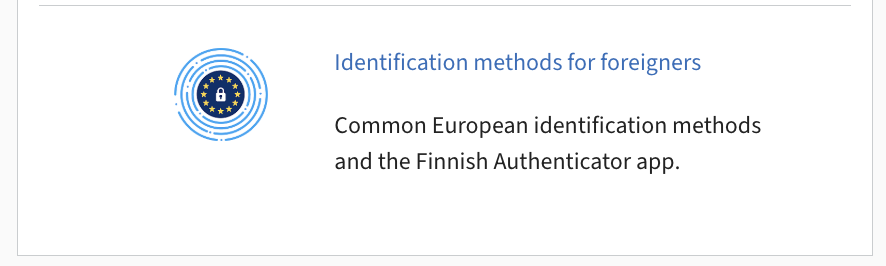
If you do not have a Finnish personal identity code, you can use your home country’s electronic identification method through Suomi.fi e-Identification, if available. You can see all the available European options on the link list of identification methods for foreigners. (The list of countries are visible also on separate page, see the list of elDAS countries.) If your country is on the list, please continue to part 2 of these instructions.
If your country is not in the list, you must use the Finnish Authenticator service. Check the most up-to-date list of supported countries on the DVV website.
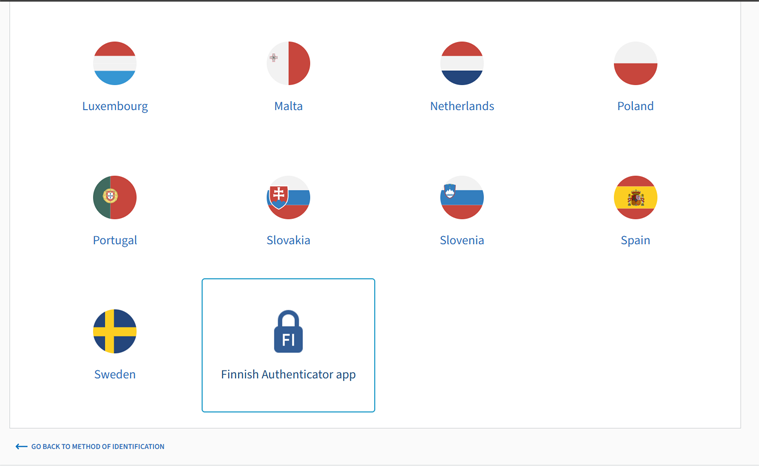
Please follow the instructions at dvv.fi:
- Activate the Finnish Authenticator service.
(See “How to get a foreigner’s identifier” in the dvv.fi instructions) - Download the Finnish Authenticator mobile app (App Store / Google Play)
- Authenticate your identity with the app.
(See “How to authenticate your identity with the app” in the dvv.fi instructions)- You will need a passport or ID card.
- You need to take a picture of yourself.
- Note that it may take some time for the detection to be processed.
When you are ready, proceed as follows:
2. Identify yourself to activate your University of Oulu or Oamk user account:
- When you have gotten an email from ict@oulu.fi, please copy the sign-in code from the message.
- Go to https://unihelp.oulu.fi
- Paste the sign-in code to the form.
- Go to suomi.fi, select Identification (a button in the top-right corner of the page) and then select identification methods for foreigners.
- A) If your country is available on the list, use your country’s e-identification.
B) If not, use the Finnish Authenticator app. (The last option in the list.) - Return to the Unihelp page in your browser. Then:
- Accept the terms of use.
- Set a password.
- Review your account details.
- Continue to the IT instructions for new users.
If needed, please see the Finnish authenticator app accessibility statement. If you cannot use the app because of accessibility issues, please contact ict@oulu.fi for assistance.